Run a 35B coding agent
on a 16 GB Mac.
Moonlet is a coding agent that runs open-weight models on your Mac. Its MoE offload keeps only the parts of a model in use in memory, so Qwen 3.6 35B-A3B and Gemma 4 26B-A4B run in about 10 GB. No cloud, no API keys, and nothing you write leaves the machine.
macOS 14+ · Apple Silicon · free for personal use
Companies need a commercial license. By downloading you agree to the EULA.
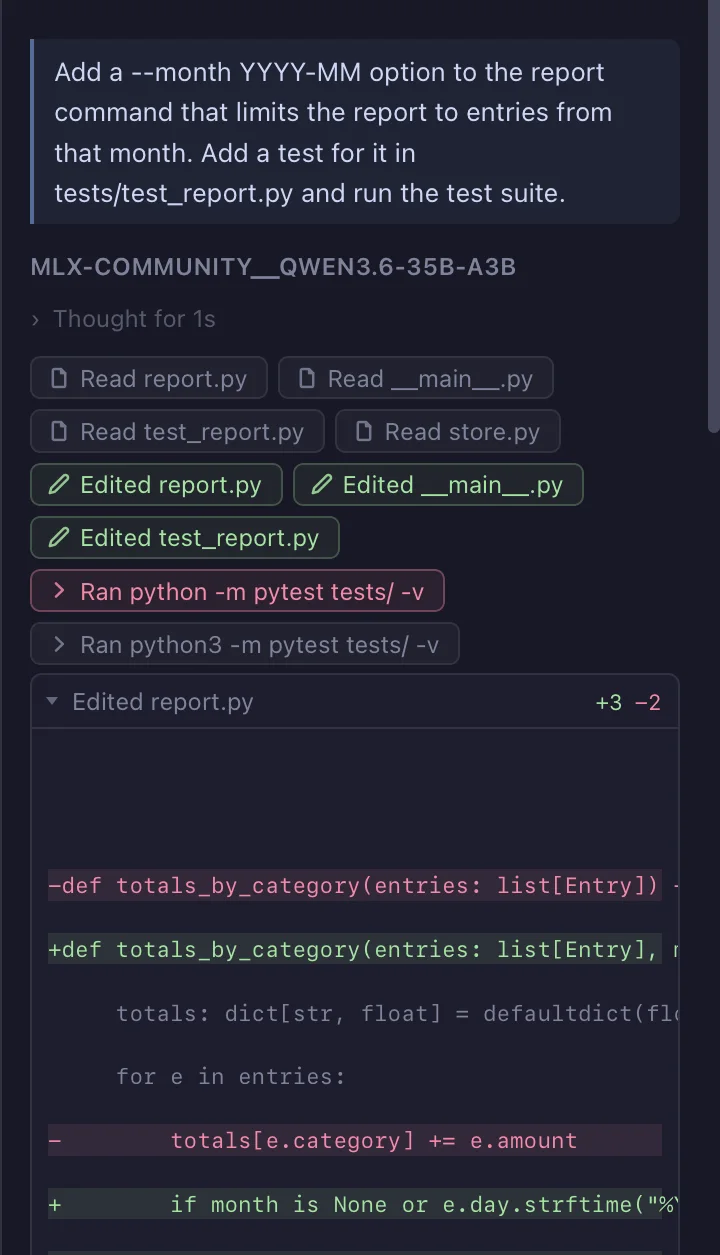
A real session: Qwen 3.6 35B-A3B adds a --month option and its test to a
small Python project, then runs the suite. Recorded in the app, sped up in the waiting
parts, nothing else changed.
How a 35B model fits in 10 GB.
A mixture-of-experts model is big on disk but uses only a small slice of itself for each token: a few experts out of many, and a different few every time. Loaded the usual way, every expert has to sit in memory anyway, which is why the 35B-class models have not fit a 16 GB Mac.
Moonlet keeps the experts a model reaches for often in memory and brings the rest in from disk when a token needs them. Each token runs twice: a quick first pass to learn which experts it wants, then the real pass with those experts loaded. You get the same model, not a smaller one, at a fraction of the memory.
Measured in July 2026 on an Apple M-series MacBook Pro with offload on, on code and tool-call work. The same Qwen weights take about 20 GB when loaded whole. Speed depends on your chip and on what else is running.
It is one switch in the prompt bar, next to the model name. Turn it on when a model does not fit your Mac. On a Mac with more memory, leave it off and the whole model loads the normal way, which is faster.
The model calls the tools. Moonlet runs them.
Ask for a change and the agent works on its own. The model decides what to read, what to search, what to edit and which commands to run, and Moonlet carries out each call on your Mac as it comes, then hands the result back. The loop keeps going until the task is done or it needs you, and every step shows in the panel as it happens.
It is the same way the cloud coding agents work, on a model that never leaves the laptop.
Supported models
Each one is tuned and tested inside Moonlet before it ships. Pick one on first launch and it downloads inside the app from Hugging Face, no accounts anywhere. They are 4.5 to 19 GB each.
Get Moonlet
A 260 MB download. Pick a model on first launch, point it at a folder, start working.
Download for macOSFree for personal use. Companies need a commercial license. By downloading or using Moonlet you agree to the End-User License Agreement. See the third-party notices.
Tell us what broke. Or what didn't.
Bug reports, model requests, rough edges — we read all of it.